Frequently Asked Questions
Welcome to Explora, a home for beautiful photos of Mauritius and the photographers who share them. Here are the answers to the questions visitors and photographers usually ask before browsing, liking, submitting or managing photos.
For detailed photo submission rules, please read the Photo Guidelines. This FAQ keeps things short and practical.
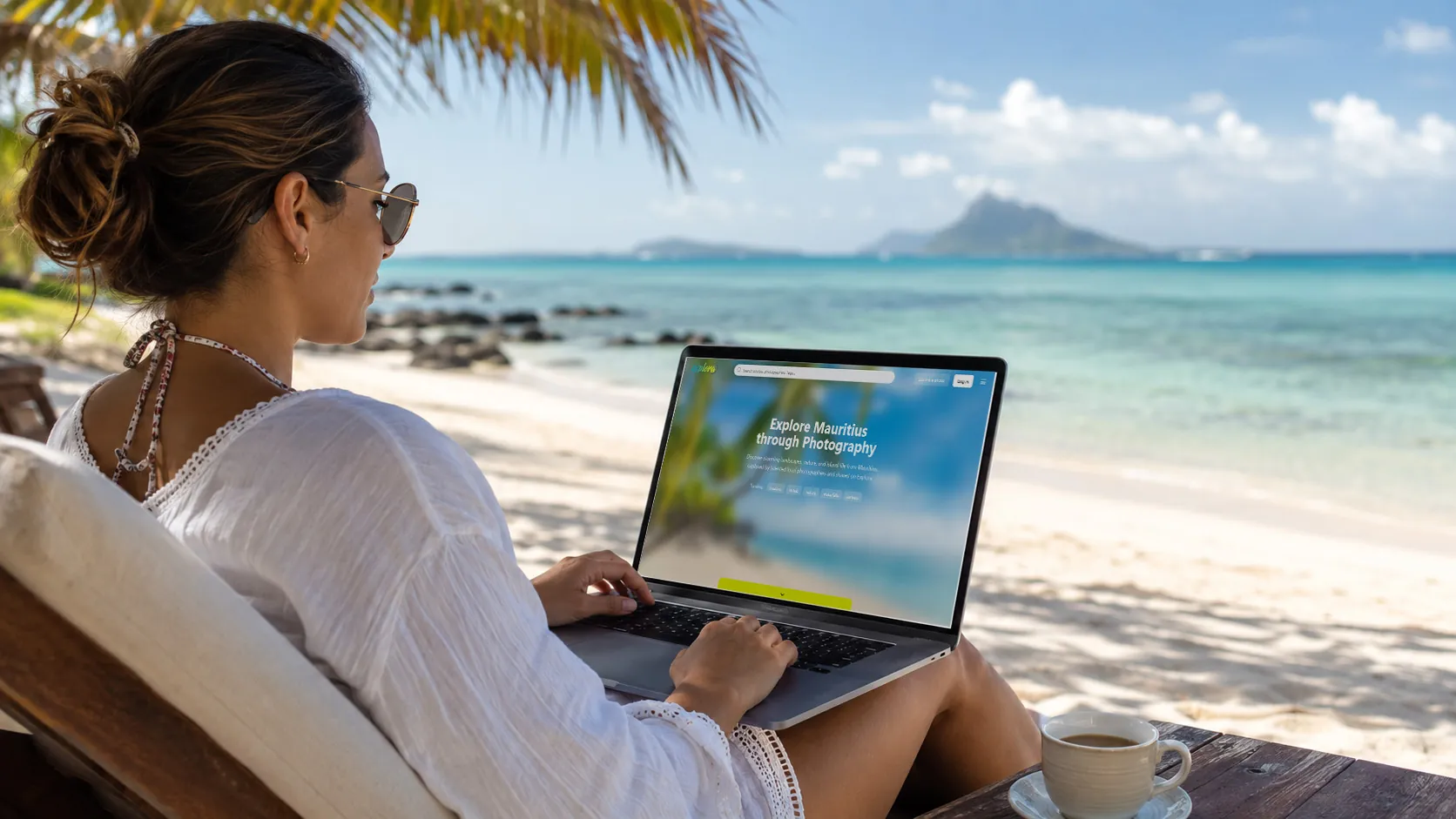
For Visitors
Exploring Explora, discovering Mauritius photos and finding photographers.
What is Explora?
Explora is a curated photo platform showcasing Mauritius through landscapes, nature, villages, culture, people, hotels, beaches and everyday island moments. The photos are shared by photographers who want their work to be discovered and credited.
Do I need an account to browse photos?
No. You can browse photos, use search, explore photo tags, visit the photographers page, and view individual photographer profiles without creating an account.
When do I need to log in?
You need to log in if you want to like photos, submit photos, manage your photographer profile or access your own account area.
Can I download or use the photos?
Photos on Explora are here to help visitors discover Mauritius and to give photographers visibility for their work. Explora does not offer direct downloads or manage photo usage requests. If you are interested in using a specific image, please contact the photographer through their profile when contact details are available.
How do I find photos of a specific place or subject?
You can use the search bar, click photo tags, browse the photo tags page, or open a photographer profile to view their portfolio.
How do I like a photo?
Click the heart icon on a photo card or photo page. You need to be logged in first so your likes can be saved to your profile.
How do I contact a photographer?
Open the photographer’s profile by clicking their name on a photo page. If the photographer has enabled contact details or is available for hire, you will see the information they have chosen to share.
For New Photographers
Thinking of sharing your first Mauritius photo on Explora? Start here.
Who can submit photos to Explora?
Anyone who has captured Mauritius through their own lens can submit photos: professional photographers, hobby photographers, local contributors or visitors with strong images of the island.
How do I create a photographer account?
Click Log in. You can enter your email address to receive a magic link or sign in using your Google account. Once logged in, you can complete your profile and submit photos.
What is a magic link?
A magic link is a secure login link sent to your email address. Enter your email, wait for the message, then click the link to register or log in without a password.
Can I use my Google account?
Yes. You can log in or register using your Google account if you prefer a faster sign-in option.
What kind of photos are accepted?
Explora accepts original Mauritius-related photos, including landscapes, beaches, waterfalls, mountains, villages, people, wildlife, hotels, food, culture and everyday scenes. Full submission rules are available in the Photo Guidelines.
Do I keep copyright to my photos?
Yes. You keep copyright to your photos. By uploading to Explora, you give Explora permission to display your photo on the platform with credit to you.
How long does approval take?
Most submissions are reviewed within 1 to 3 working days. If information is missing or the photo needs checking, approval may take longer.
For Existing Photographers
Managing your submissions, profile and published photos.
How do I submit more photos?
Log in and click Submit a photo. Add your image, title, description and tags, then submit it for review.
Where can I see pending submissions?
Open your account menu and go to your pending photos area. There you can see photos waiting for review and any rejected submissions with their reason when available.
Can I edit a published photo?
Yes. You can update a published photo’s title, description and tags from your account area when editing is available.
Can I delete a published photo?
Yes. You can remove your own photos from Explora. Please double-check before deleting, because removal may be permanent.
My photo was rejected. What happened?
A photo may be rejected for quality issues, missing information, copyright concerns, unsuitable content, repeated/similar photos, or because it is not relevant enough to Mauritius. Please check the rejection reason and the Photo Guidelines.
Can I resubmit a rejected photo?
Yes. You can make the necessary changes and submit a revised version. It is better to address the original reason before resubmitting.
Account & Profile
How do I edit my profile?
Log in, open your account menu and go to settings. You can update your display name, profile photo, bio, contact details, website link and social links when those fields are available.
What does “Available for hire” mean?
When enabled, visitors can see that you accept photography work or commissions. Your chosen contact details may also be shown on your public profile.
Can I turn “Available for hire” off?
Yes. You can turn it on or off from your profile settings at any time.
Can I change my display name?
Yes. You can update your display name from your settings. This name is used to credit your photos on Explora.
Support
I found a problem with a photo or account. What should I do?
Please contact Explora and explain the issue clearly. If it concerns a specific photo, include the page link so we can check it faster.
How long does Explora take to reply?
Explora is a small project, but we try to reply within 3 working days whenever possible.
Where can I read the photo submission rules?
The full rules are available on the Photo Guidelines page.
Still have a question? Please contact us and we’ll help where we can.